

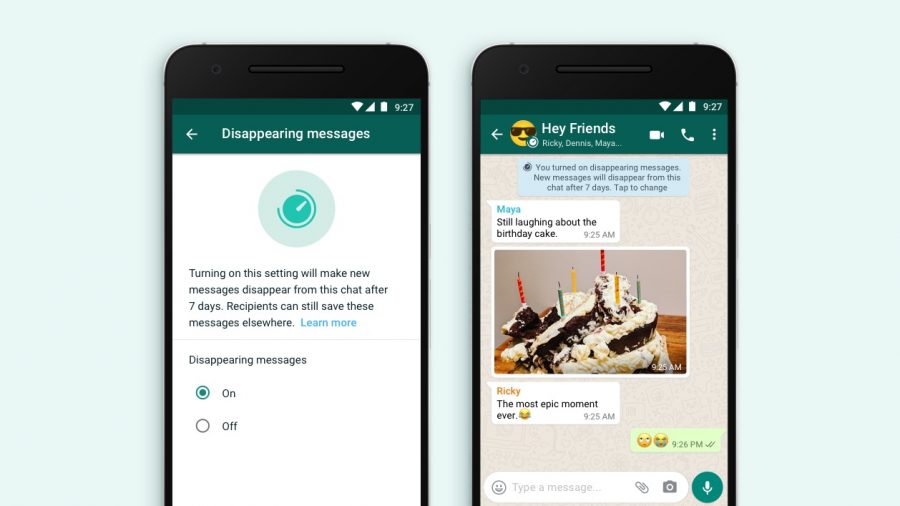
Our goal is to make conversations on WhatsApp feel as close to in-person as possible, which means they shouldn’t have to stick around forever, says Facebook the owners of Whatsapp.
That’s why we’re excited to introduce the option to use disappearing messages on WhatsApp.
When disappearing messages is turned on, new messages sent to a chat will disappear after seven days, helping the conversation feel lighter and more private. In a one-to-one chat, either person can turn disappearing messages on or off. In groups, admins will have the control.
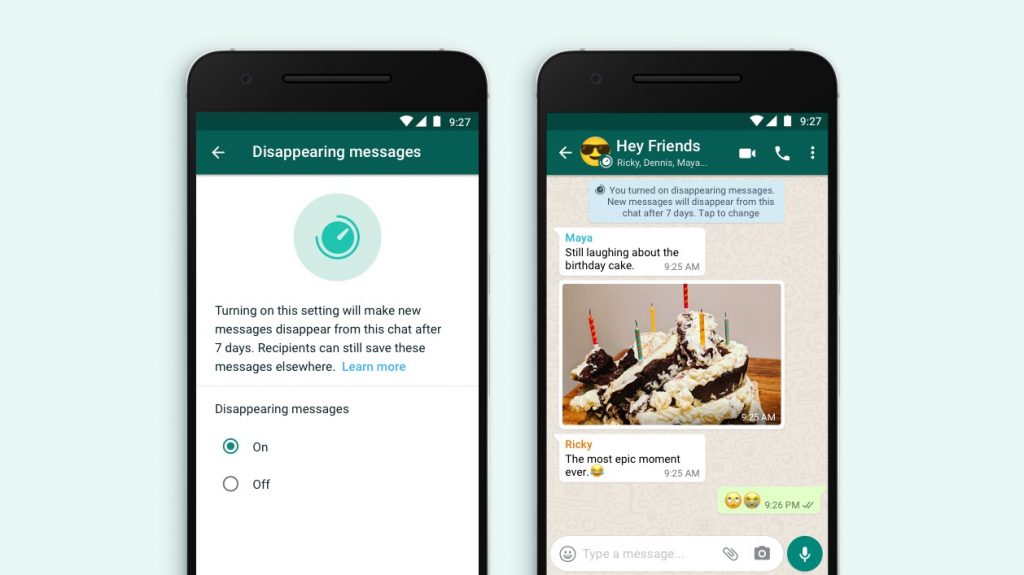

We’re starting with seven days because we think it offers peace of mind that conversations aren’t permanent, while remaining practical so you don’t forget what you were chatting about. The shopping list or store address you received a few days ago will be there while you need it, and then disappear after you don’t. Read more about how to enable disappearing messages.
About disappearing messages
You can send messages that disappear on WhatsApp by enabling disappearing messages. Once enabled, new messages sent in the individual or group chat will disappear after seven days. The most recent selection controls all messages in the chat. This setting won’t affect messages you previously sent or received in the chat. In an individual chat, either user can turn disappearing messages on or off. In a group chat, only group admins can turn disappearing messages on or off.
- If a user doesn’t open WhatsApp in the seven day period, the message will disappear. However, the preview of the message might still be displayed in notifications until WhatsApp is opened.
- When you reply to a message, the initial message is quoted. If you reply to a disappearing message, the quoted text might remain in the chat after seven days.
- If a disappearing message is forwarded to a chat with disappearing messages off, the message won’t disappear in the forwarded chat.
- If a user creates a backup before a message disappears, the disappearing message will be included in the backup. Disappearing messages will be deleted when a user restores from a backup.
Note: Only use disappearing messages with trusted individuals. For example, it’s possible for someone to:
- Forward or take a screenshot of a disappearing message and save it before it disappears.
- Copy and save content from the disappearing message before it disappears.
- Take a photo of a disappearing message with a camera or other device before it disappears.
Media in disappearing messages
By default, media you receive in WhatsApp will be automatically downloaded to your photos. If disappearing messages are turned on, media sent in the chat will disappear, but will be saved on the phone if auto-download is on. You can turn auto-download off in WhatsApp Settings > Data and Storage Usage.
src: Facebook