

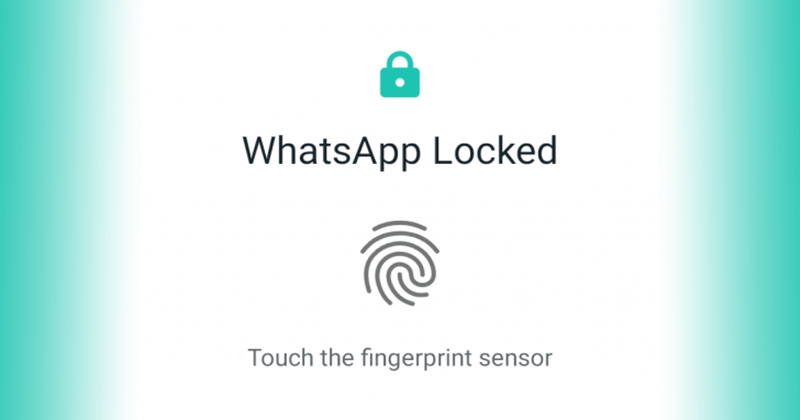
We are here with the most awaited feature which you all are waiting for. As for security concerns, WhatsApp added an updated new security feature to their app. In this article, we will see how you can enable fingerprint lock in WhatsApp?. This feature will help you with safety measures and prevent you from keeping your message safe. Currently, this feature is working in WhatsApp beta version but soon it will be working in WhatsApp stable versions too.
The users who want to enable this feature has to do it manually from the app. Below listed steps to enable fingerprint lock in WhatsApp will help you to enable this feature quickly. Unfortunately, the feature is only for those users who are having android marshmallow or above in their android device.
After enabling this feature whenever you open the WhatsApp, it asks for a fingerprint to unlock it. However, you can attend the WhatsApp call without any lock. You can also reply to the conversation from notification without fingerprint lock.
List Of Steps To Enable Fingerprint Lock-In Whatsapp For Android
These steps are pretty simple and don’t need much time and effort. However, your device must have a fingerprint scanner to use this feature. We will suggest you disable WhatsApp notifications to ensure safety as anyone can see your unread message from the notification bar. Let’s look out the steps and ready to use this feature.

Step 1: If you are using an older version, then kindly update the version from here.

Note- If you do not update the app, you will not be able to see this feature in this app. So it is necessary to update the app.
Step 2: Open WhatsApp, and you will see three dots on the upper right. Click on that and go to the setting option.
Step 3: In settings, you will see the different option, so tap on the account section. In the account section, you will see privacy.

Step 4: Click on the privacy and then tap on the fingerprint lock option. After clicking on it, you will get the option to enable or disable this feature.

Step 5: Click on the bar to enable the feature, and the app will ask for the fingerprint. Complete fingerprint session and you are good to go.
Note- Kindly properly follow the steps in order to use this feature properly. If you face any problem in enabling the feature then try again or reinstall your WhatsApp messenger.
Conclusion
This method to enable fingerprint lock in WhatsApp is straightforward and working still if you face any problem and have a query you can comment down below. The disadvantage of this feature is it can be frustrating too as for every time you open the app you need fingerprint.
The feature will take some weeks for the stable WhatsApp version to be introduced. The feature will only support fingerprint scan; face recognition is not supported now.